CMS is the foundation that determines how effective your organic search promotion will be, how fast you can implement strategies, and how scalable your content will become. In this article, we focus on choosing a CMS for SEO, because among all marketing channels, Search Engine Optimization (SEO) is the most demanding when it comes to the technical basis of a website. The effectiveness of attracting organic traffic, loading speed and flexibility of the internal structure directly depend on the capabilities of the CMS you choose.
Criteria for choosing a CMS for SEO: what to pay attention to?
CMS (Content Management System) is software that lets you manage a website without having to write code manually. With a CMS you can:
- Add and edit pages, articles, images and video.
- Manage menus, categories and tags.
- Configure design templates and plugins to add extra functionality.
- Optimize the site to meet search engine requirements.
- Manage user access and roles on the website, etc.
The modern market offers many CMS platforms, but not all of them are “SEO friendly”. If a system does not support SEO features, then even high-quality content and a consistent promotion strategy will not bring traffic, and the site will lag behind competitors. Let’s look at the key features a CMS must support for effective SEO.
SEO components a CMS should support
| SEO component | Key features | Why it matters |
|---|---|---|
| On-Page SEO |
|
High-quality on-page optimization improves CTR in search results and signals to search engines that the page is relevant. |
| Technical SEO |
|
Page speed and mobile friendliness are direct ranking factors. A technically sound website also improves user experience and behavioral metrics. |
| Integration with SEO tools |
|
Helps measure the effectiveness of your SEO strategy and detect issues in advance that could hurt rankings. |
| Content creation and editing |
|
Ensures the long-term viability of the project, as the ease of making changes affects the relevance and quality of content. |
| Additional features |
|
Allows you to solve advanced SEO tasks and gain a competitive advantage in search results. |
Comparison table of CMSs for SEO
| CMS | Advantages | Disadvantages | Cost | Best suited for |
|---|---|---|---|---|
| WordPress |
|
|
Free (paid plugins available) | Small and medium businesses, e-commerce, news sites, portfolios, personal websites, educational platforms |
| Joomla! |
|
|
Free (paid plugins available) | Medium and large businesses, corporate websites, e-commerce, multilingual sites, news portals |
| Drupal |
|
|
Depends on project size and required configuration | Large corporate websites, government portals, educational institutions, multilingual sites and projects that require high security and flexible customization |
| Shopify |
|
|
From €19/month | Small, medium and large online stores |
| OpenCart |
|
|
Depends on project size and required configuration | Small, medium and large online stores |
| Horoshop |
|
|
Initial payment from 200$ | Medium and large online stores that need integration with local services and want a ready-made sales solution |
| MODx |
|
|
Free version available, paid plans from $36/month | Complex corporate websites, multifunctional web portals and projects primarily focused on advanced content structures |
Read also: “Is SEO dead?” Why search engine optimization remains essential in the age of AI
The best CMSs for SEO
WordPress
WordPress is one of the most popular open-source CMS platforms. Interestingly, it was originally created as a blogging tool but has evolved into a universal platform for websites of any complexity.
Advantages:
- Simple content management thanks to an intuitive interface.
- Ability to create SEO-friendly URLs with keywords.
- Huge number of plugins to create and edit meta tags, manage XML sitemaps, analyze content for keyword usage and readability, etc.
- Most modern WordPress themes are responsive and display correctly on mobile devices.
- WordPress has clean code that search engines can crawl easily. With the right plugins, you can achieve high page speed.
Disadvantages:
- Too many plugins or “heavy” themes can significantly slow down the site.
- Because of its popularity, WordPress is a frequent target for DDoS attacks, which can lead to hacks and data leaks.
- If indexing is misconfigured via SEO plugins or robots.txt, WordPress can generate duplicate pages.
- Full optimization (e.g. performance tuning, caching configuration) may require technical skills or help from a specialist.
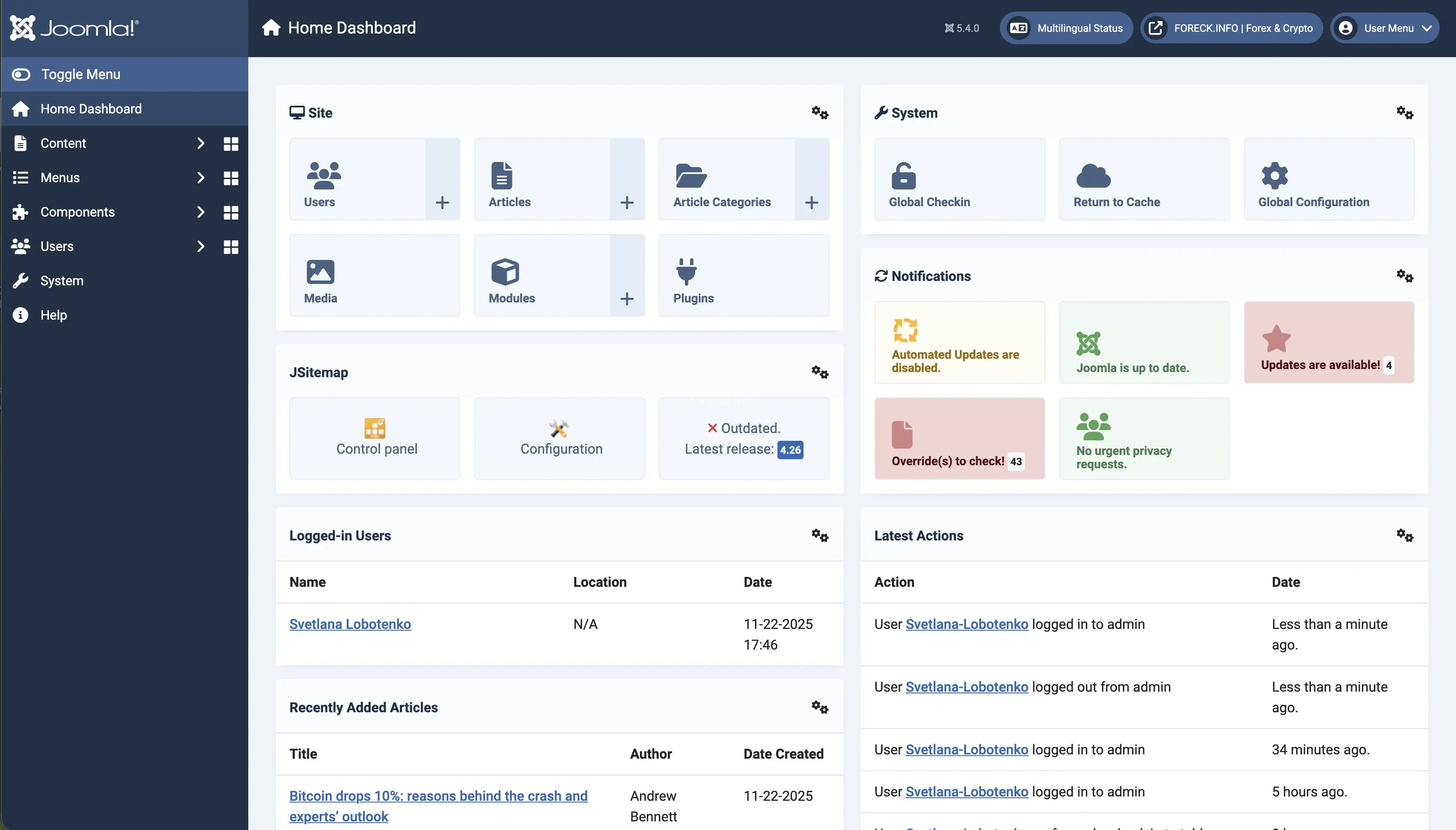
Joomla!
Unlike WordPress, Joomla! was initially designed for more complex, structured corporate sites, portals and communities.
Advantages:
- Built-in SEO tools that don’t require additional plugins (metadata, robots.txt and .htaccess management, URL settings, etc.).
- The menu and category system makes it easier to build website architecture.
- Supports multilingual sites, which simplifies optimization for international audiences.
- Offers a high level of control over source code and server settings for experienced developers.
Disadvantages:
- To use some SEO features correctly, you often need to edit the .htaccess file manually, which requires technical knowledge and can be difficult for beginners.
- When complex technical issues arise, it can be harder and more expensive to find a qualified Joomla developer than a WordPress specialist.
- If the site is not configured properly (caching, database optimization), it can be slow.
Drupal
Drupal is suitable for large and complex projects that require unique architecture, scalability and strict security. Think government and educational institutions, large media portals.
Advantages:
- Thanks to “Content Types” and “Fields”, you can build logical and well-structured data models.
- There are many SEO modules: automatic creation of clean URLs, meta tag management, sitemap generation.
- With proper configuration, Drupal sites demonstrate high loading speed and low server load.
- Drupal is considered one of the most secure CMS platforms.
Disadvantages:
- High entry threshold: even basic configuration requires technical skills.
- Fewer ready-made solutions: although the platform has modules, they still need manual setup. This takes more time than installing an out-of-the-box SEO plugin in WordPress.
- Not suitable for beginners or very tight-budget projects, as it requires constant involvement of a qualified developer.
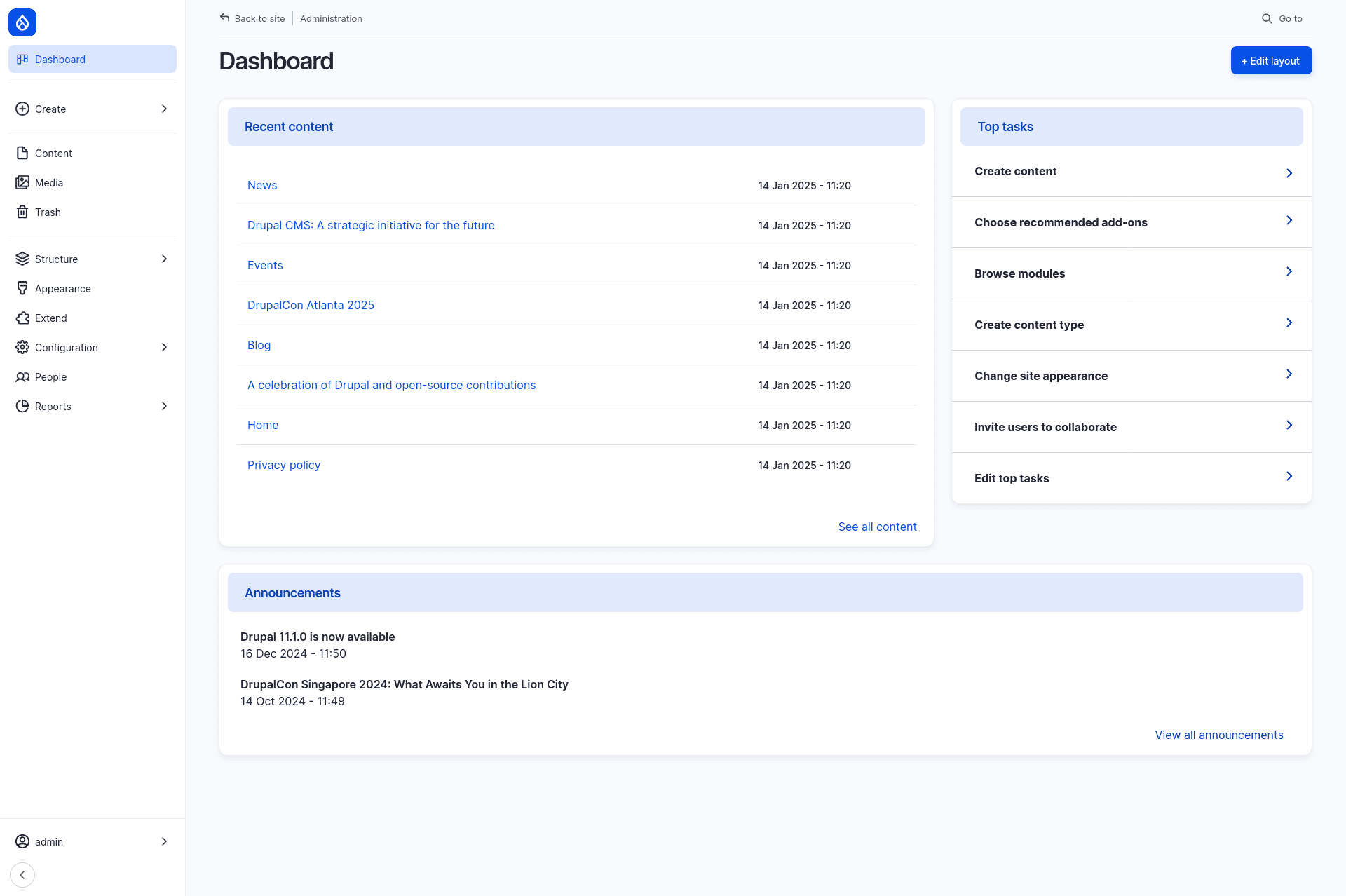
Photo: Drupal
Shopify
Shopify is a leading international SaaS commerce platform designed for creating and managing online stores. It is ideal for small and medium businesses as well as large companies that want to quickly launch and scale sales.
Advantages:
- Easy to use with an intuitive interface.
- A store can be launched in a matter of days: you pay for a subscription, and Shopify provides hosting, maintenance, security and updates.
- All-in-one e-commerce solution: tools for inventory management, payments, logistics and even marketing.
- Handles heavy traffic during peak periods (e.g. seasonal sales).
- Clean code, built-in CDN and automatic image optimization ensure high page speed.
Disadvantages:
- No access to server files: you cannot edit .htaccess or fully manage robots.txt, which limits deep technical optimization.
- For advanced design customization, you need knowledge of Shopify’s Liquid templating language, not just HTML/CSS.
- Shopify forces prefixes in URLs such as /products/, /collections/, /pages/. You can only edit the “tail” of the URL, which complicates structure creation.
- Requires a monthly subscription and charges an additional transaction fee (usually 0.5%–2% depending on the plan) if you don’t use Shopify Payments.
- Basic blogging functionality, which is a drawback for content-driven businesses.
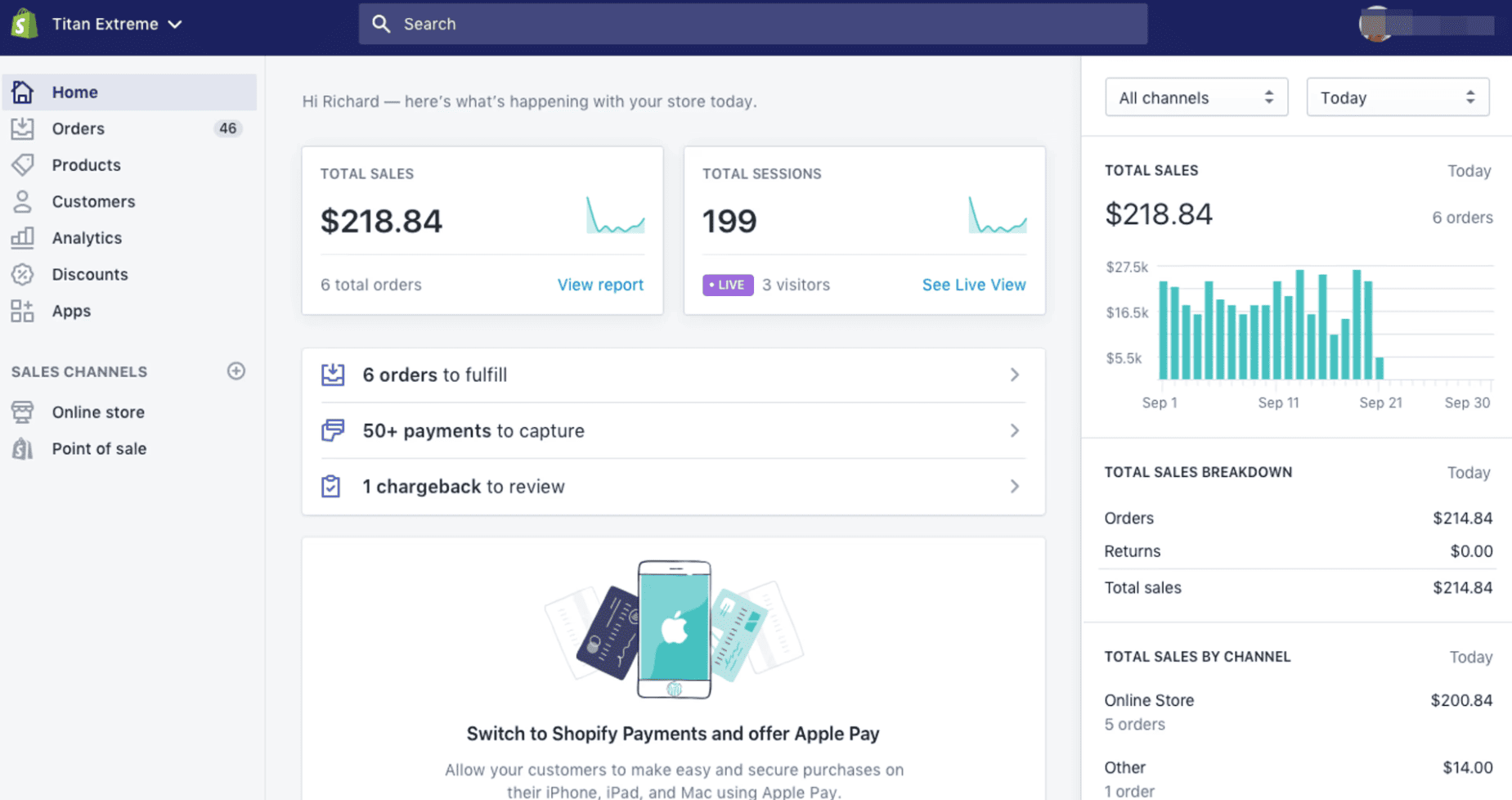
Photo: CMS Critic
OpenCart
OpenCart is one of the most widely used solutions for small and medium e-commerce businesses. The platform is known for its relative simplicity and modest hosting requirements.
Advantages:
- Designed with online stores in mind, making it easy to manage a large number of product pages, categories and brands.
- Built-in basic SEO tools: clean, readable URLs for products and categories, meta tag and heading management.
- Supports multilingual sites and lets you manage multiple stores from a single admin panel.
- With proper configuration (minimal unnecessary modules and quality hosting), the site can be very fast.
Disadvantages:
- Without additional modules, OpenCart can generate duplicate pages (for example, the same product accessible via multiple URLs), which pollutes the search index and hurts rankings.
- Built-in SEO tools are basic. Full-fledged work (e.g. XML sitemap generation, canonical URLs, automated meta tags) requires paid or free modules.
- Creating and managing content pages (long-form blog articles, for example) is less convenient than in other CMSs.
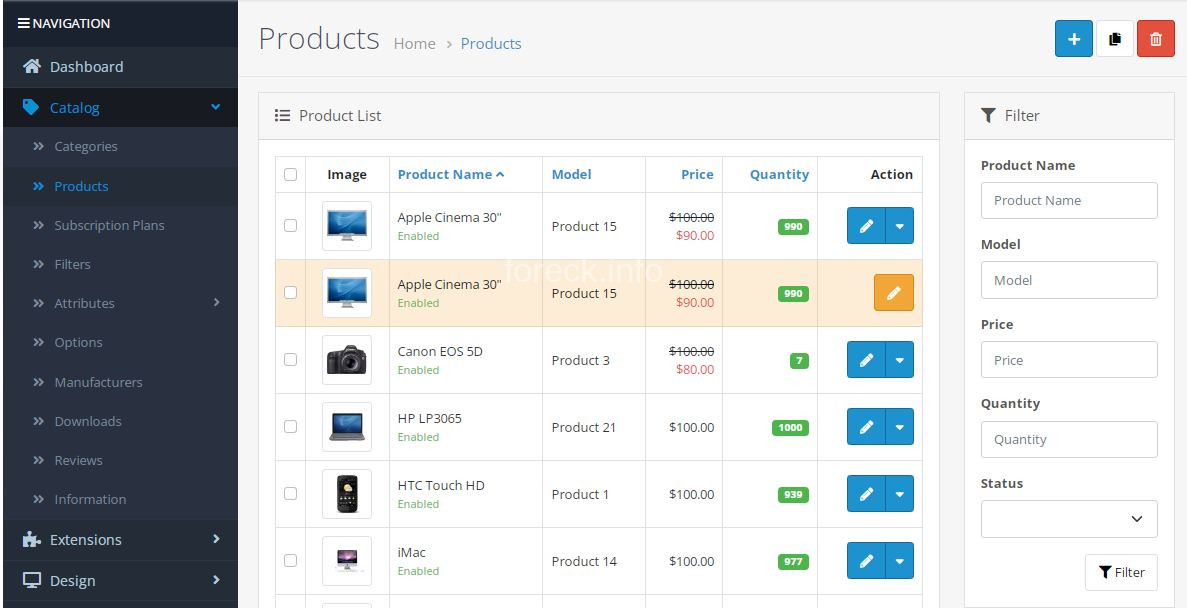
Photo: OpenCartBot
MODx
MODx is a framework for building websites focused on flexibility and customization. It appeared in 2004 as an alternative to more rigid, template-based systems like Joomla or WordPress.
Advantages:
- Absolutely clean code: MODx does not add extra HTML or CSS elements because the developer builds the structure from scratch.
- The system enables creation of highly readable URLs without extra prefixes or restrictions.
- Thanks to clean code and the absence of unnecessary plugins, MODx sites usually show excellent Core Web Vitals metrics.
- Security is a strong focus, which is why MODx is often used for large corporate sites.
Disadvantages:
- SEO quality largely depends on the developer’s skills and experience.
- Unlike other CMSs, the MODx interface is not intuitive. Content updates, adding new blocks or managing pages often require technical skills from the content manager.
- The user and developer community is relatively small, which makes it harder to find plugins or qualified support.
- No universal SEO plugin: all elements have to be configured manually or via separate, less powerful modules.
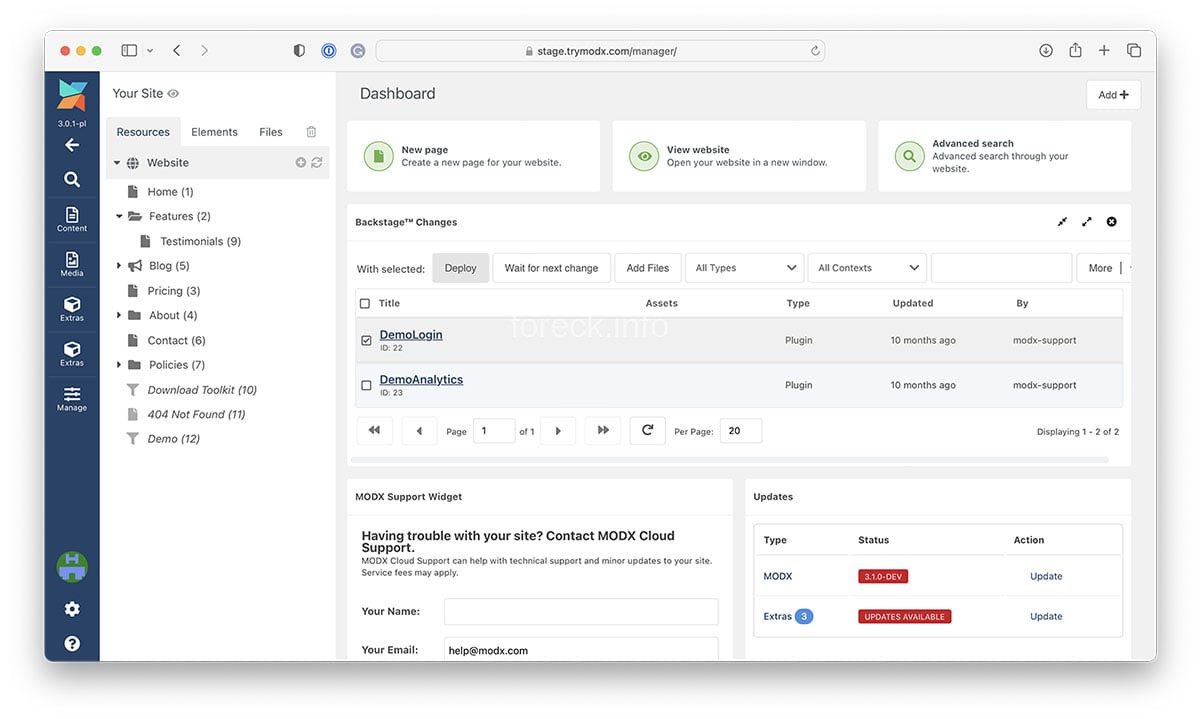
Photo: MODx
Recommendations: which CMS to choose for your niche?
The choice of CMS should be based on project type, scale, budget and your team’s technical skills:
- For blogs, media and content sites, the priority is easy publishing and SEO flexibility. In this case, consider WordPress or Joomla!.
- Corporate sites must be reliable, integrate easily with internal CRM systems and scale smoothly. Good options include Drupal or MODx.
- E-commerce projects require a special approach, because SEO success depends on correct catalog structure, product page optimization, site speed, filter configuration, etc. Ukrainian online stores can look at Horoshop, as well as Shopify and OpenCart.
Choose a platform that removes most of the technical burden so you can focus on what matters most: content and sales growth.
Proper SEO is not just about a site’s technical parameters. It is a comprehensive approach: from catalog structure and product page optimization to user behavior and analytics. These are the aspects that determine whether your business will reach the top of search results.
If you want a stable stream of targeted traffic and higher sales, entrust your SEO to the Webpromo team. Contact us today to get an individualized growth strategy and achieve maximum results in search.
FAQ
What is a CMS and why do you need one?
A CMS (Content Management System) is software that lets you create, edit and publish content on a website without writing code from scratch. This way, marketers and content managers can run the site through an intuitive admin panel, while built-in tools and plugins simplify SEO optimization.
Does the CMS affect SEO in 2026?
Yes. Even the most interesting, high-quality content will not rank if the site loads slowly, has duplicate pages, poor filters and tags, or messy code. The CMS is the technical foundation for successful SEO.
What should you pay attention to when choosing a CMS for an online store?
For e-commerce, the key priority is easy scaling. The CMS should support automatic Canonical tags for filter pages, bulk meta tag generation for products and categories, structured data markup and more.
What are the most popular CMS platforms?
The market is dominated by two main groups: universal CMSs and commercial SaaS platforms. The most popular include:
- WordPress: flexible, with a strong user and developer community and suitable for any type of project, from a blog to an online store.
- Shopify: a leader among SaaS platforms for e-commerce, popular thanks to its simplicity and technical reliability.
- Joomla! and Drupal: common in the segment of complex, corporate and government portals where data structure and security are crucial.
Which essential SEO features and tools should a good CMS include?
A CMS that is good for SEO should allow you to edit meta tags (Title and Description) for every page, create clean URLs, automatically generate and edit sitemap.xml, and manage robots.txt for indexing control. These features are the baseline for modern CMS platforms. However, some older or less supported systems may require complex manual coding. Some commercial SaaS site builders (like Tilda, Wix on basic plans) can limit access to technical SEO features. For example, they might auto-generate sitemap.xml but not allow full manual control, or limit 301 redirects to paid plans only.
What should you do if your CMS has limited SEO functionality?
In that case, you can either bring in a developer or migrate your site to a modern, SEO-friendly platform, paying special attention to 301 redirects so you don’t lose existing traffic.