

“Full-funnel traffic analytics is only for large companies. We do not have the budget for solutions like that.” Sounds familiar? Many small business owners think this way and end up giving up proper marketing control. In reality, end-to-end analytics can be built without major expenses using free or low-cost Google tools. That means you can see the entire customer journey: where a lead came from, how much it cost to acquire them, what they bought, and whether they came back again.
Short answer: end-to-end analytics for small and medium-sized businesses can be set up with little to no large budget using Google Analytics 4, Google Tag Manager, a CRM, UTM tags, Google Sheets, and Google Looker Studio. This setup helps you track lead sources, acquisition costs, revenue, and the performance of each channel. To get started, you only need to configure conversions, tagged URLs, a CRM, and one unified dashboard.
What Is End-to-End Analytics and Why Does It Matter?
End-to-end analytics is a system that connects every stage of the customer journey with your business, from the first ad impression or click to a repeat purchase. As a result, you can see:
- where each customer came from — the source, campaign, ad, or keyword;
- how much it cost to acquire them;
- how much revenue they generated;
- the ROI of each marketing channel;
- how often they return and how much they generate over time.
Without end-to-end analytics, marketing works almost blindly. You see costs and sales, but you do not understand which channels actually drive results. Because of that, you may turn off effective campaigns while continuing to invest in channels that do not perform.
Why It Can Be Done Almost for Free Today
End-to-end analytics used to be considered an expensive solution. Today, the situation has changed: many tasks can be handled with the Google ecosystem and accessible services.
- Google Analytics 4 is free and works well for tracking traffic, conversions, and user behavior.
- Google Tag Manager helps configure events and goals without unnecessary costs.
- Google Ads sends advertising data directly into your analytics workflow.
- Google Sheets can replace an expensive reporting dashboard.
- Google Looker Studio allows you to visualize data for free.
- Make and Zapier offer free plans for basic automation.
Using these tools, you can build a working end-to-end analytics system. It may not be perfect at the start, but it will already be useful and functional.
What Tools You Need to Get Started
- Google Analytics 4 — for traffic, event, and conversion analysis.
- Google Tag Manager — for event setup and tracking without constantly editing code.
- UTM tags — for identifying the source of each click and lead.
- CRM — for tracking leads, deals, revenue, and customer statuses.
- Google Sheets — for collecting and verifying data in one place.
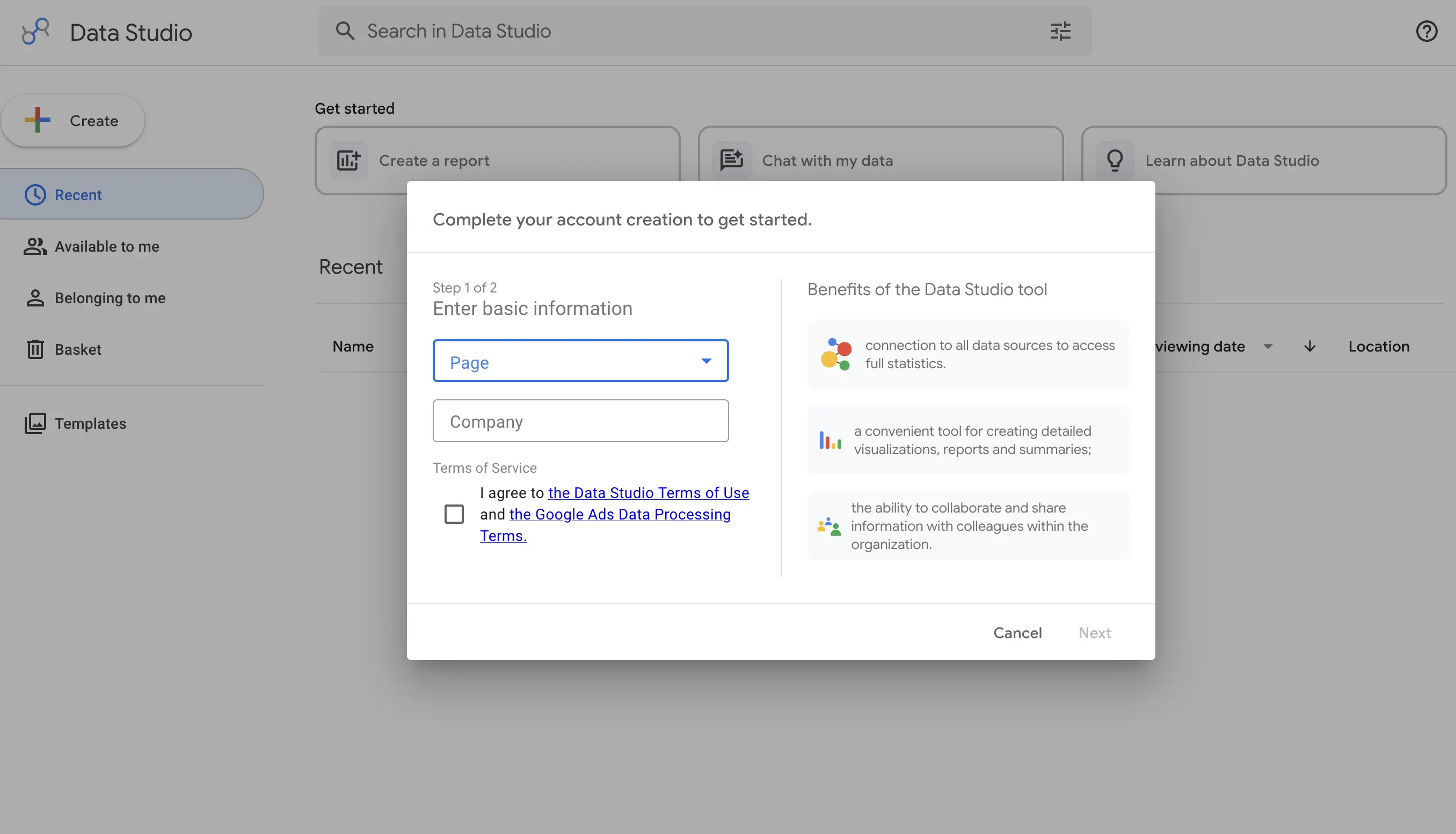
- Google Looker Studio — for building a visual dashboard.
Step 1: Set Up Google Analytics 4 as the Core Tool
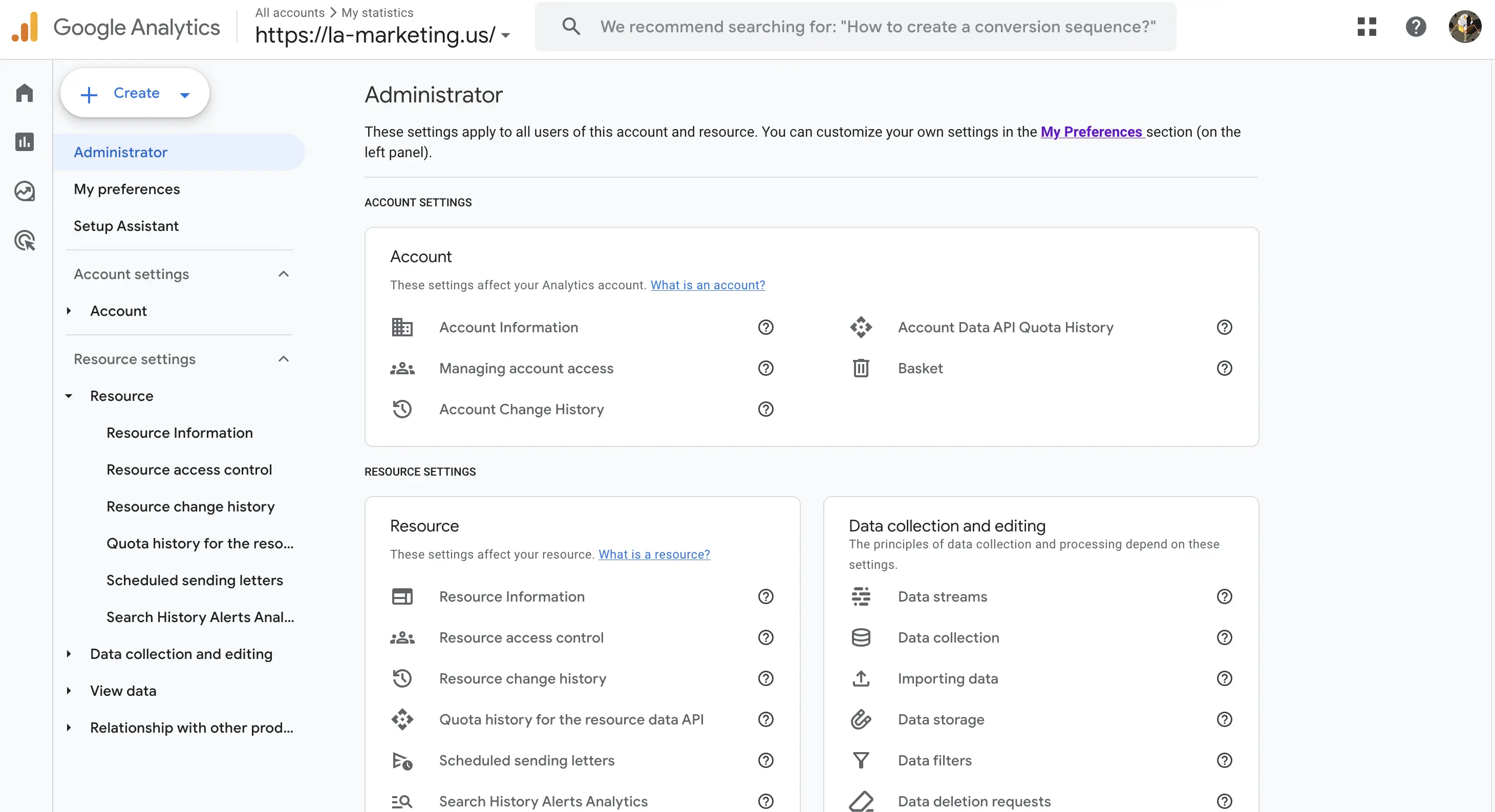
Google Analytics 4 is the foundation of your system. What you need to configure:
- install the analytics code on every page of the website;
- connect Google Tag Manager for easier event setup;
- configure conversions: form submission, phone call, WhatsApp click, visit to a thank-you page, add to cart, and purchase;
- enable ecommerce tracking for online stores;
- link Google Analytics 4 with Google Ads;
- pass user and event parameters for more accurate analytics.
This already gives you a strong foundation: you can see traffic, channels, user behavior, and conversions.
Step 2: Implement a Unified UTM Tagging System
UTM tags are special parameters added to links that show where a user came from. Without them, end-to-end analytics will be incomplete.
Basic tags:
- utm_source — the traffic source, such as google, facebook, telegram, or email;
- utm_medium — the channel type, such as cpc, social, or email;
- utm_campaign — the campaign name;
- utm_content — the specific ad, creative, or banner;
- utm_term — the keyword for paid search campaigns.
The rule is simple: every external advertising link should include UTM tags. Campaign URL Builder by Google is a convenient tool for creating these links. Without a CRM and UTM tags, end-to-end analytics will remain incomplete.
Step 3: Connect a CRM
A CRM is needed to store leads, deals, and customer sources. Without a CRM, полноценная end-to-end analytics setup is not possible.
What should be configured in the CRM:
- automatic lead capture from the website;
- saving UTM tags in the customer profile;
- deal statuses such as new, in progress, paid, and canceled;
- deal value and total revenue.
If the CRM does not send data directly into reports, it can be exported to Google Sheets or connected through connectors in Google Looker Studio.
Step 4: Set Up Call Tracking
If your business receives phone calls, it is important to understand which source brought in the customer. The ideal option is call tracking. If the budget is limited, you can start with a basic process: record the source of the call manually in the CRM and connect it to UTM data if the user had submitted a form earlier.
Even partial call tracking gives you more insight than having no data at all. If the budget grows later, you can add call tracking separately and send this data into Google Analytics 4 and Google Sheets.
Step 5: Build a Dashboard in Google Sheets or Google Looker Studio
The next step is to combine all the data in one place. Google Sheets and Google Looker Studio are both suitable for this.
Example dashboard structure:
- traffic source: Google Ads, Google organic search, social media, email, direct visits;
- ad spend;
- sessions and users from Google Analytics 4;
- leads from the CRM;
- sales;
- revenue;
- formulas for CAC, ROI, and LTV.
Data can be pulled in:
- automatically — through APIs, connectors, and integrations;
- semi-automatically — by updating reports once a week;
- manually — if the business is very small.
Step 6: Add Automation with Make or Zapier
To save time, use automation. Even the free plans of Make and Zapier are often enough for small businesses.
Typical automation scenarios:
- a lead from the website → sent to the CRM → notification in Telegram or Gmail;
- a new deal → recorded in Google Sheets;
- a deal status change → dashboard updated;
- a new customer → added to an email marketing list.
What Metrics Should Be Included in End-to-End Analytics?
CAC — Customer Acquisition Cost
The cost of acquiring a customer. Formula: marketing spend / number of new customers. This metric shows whether acquiring customers through a specific channel is profitable.
LTV — Lifetime Value
The lifetime value of a customer. It is usually calculated as average order value × average number of purchases × margin. It is especially important for repeat sales and subscription models.
LTV to CAC Ratio
A healthy benchmark is when LTV is at least three times higher than CAC. If the ratio is lower, the marketing model may be unprofitable.
ROI / ROMI
This shows the return on marketing investment. Formula: (channel revenue − channel cost) / channel cost × 100%.
Example Setup for a Small Business
Imagine you run a local service business with a limited advertising budget. At the start, there is no CRM, leads are recorded manually, and nobody tracks customer sources.
What can be configured in 1–2 weeks:
- Google Analytics 4 with website conversions;
- Google Tag Manager for event tracking;
- UTM tags on all advertising campaigns;
- a CRM for tracking leads and deals;
- Google Sheets or Google Looker Studio for reporting.
After one month, this system already allows you to see which channels generate more leads, which sales close better, and where the budget is being wasted. At that point, you can reallocate spending strategically instead of guessing.
Mini case: after a basic setup of Google Analytics 4, UTM tags, a CRM, and a dashboard, a small business can already identify in the first month which channel brings in more leads at a lower cost. This makes it possible to cut inefficient spending, reallocate the budget, and make faster decisions based on data rather than assumptions.
Common Implementation Mistakes
- Trying to build a perfect system immediately instead of launching a simple working version.
- Ignoring UTM tags.
- Relying on too much manual work without automation.
- Analyzing data without making actual changes afterward.
- Evaluating only leads without connecting them to payments and revenue.
4-Week Implementation Plan
- Week 1: install Google Analytics 4 and Google Tag Manager, then configure conversions.
- Week 2: implement UTM tags across all advertising campaigns.
- Week 3: connect a CRM and save lead sources.
- Week 4: build a dashboard in Google Sheets or Google Looker Studio.
- Month 2: collect data, analyze channel performance, and adjust the budget.
Who Should Handle Analytics Setup?
If you do not have time to deal with integrations, events, UTM tags, CRM workflows, and reporting, it is better to hand the analytics setup over to specialists. This helps avoid mistakes at the start, get accurate data faster, and save weeks of manual rework.
Conclusion: Start Now
End-to-end analytics for small businesses is possible even with a minimal budget if you use Google Analytics 4, Google Tag Manager, a CRM, UTM tags, Google Sheets, and Google Looker Studio. This kind of system helps you understand which channels really bring in customers, how much acquisition costs, and where it makes sense to invest your marketing budget.
If you want to save time and get a working system right away without long and complicated setup on your own, our team can handle the entire process for you. We implement analytics end to end, connect your website, CRM, Google Analytics 4, Google Sheets, and Google Looker Studio, configure accurate data flow, and prepare clear reports so you can make decisions based on real numbers instead of assumptions.
FAQ: Common Questions About End-to-End Analytics
Can end-to-end analytics be set up without a large budget?
Yes. At the start, you can use Google Analytics 4, Google Tag Manager, Google Sheets, Google Looker Studio, and a basic CRM. That is enough to see lead sources, conversions, and channel performance.
What is absolutely required to launch it?
The minimum setup includes a website, Google Analytics 4, Google Tag Manager, UTM tags, a CRM, and a simple dashboard. Without this, it is difficult to connect traffic, leads, and sales into one system.
How long does the basic setup take?
A basic end-to-end analytics system can be implemented in 1–4 weeks depending on the website, CRM, number of marketing channels, and level of automation needed.
What does end-to-end analytics give a business?
It helps you understand which traffic sources bring leads and sales, how much a customer costs, which channels are profitable, and where the budget is being spent inefficiently.